Starlight City 2 on iPhone & iPad
Starlight City 2 is available for download from the Apple App Store, with universal support for both iPhone and iPad.
The App Store version includes daily bonuses, cross-device progress and full access to tournaments and VIP rewards, so you can pick up right where you left off.
Why Download for iOS?
iPhone & iPad Ready
Universal support, perfectly optimized for all iOS devices and screen sizes.
Apple Security
Built to Apple's strict security guidelines for your protection.
Cross-Device Progress
Your account stays synced, so you can jump between devices seamlessly.
Full Game Library
All 400+ of your favorite games, available on iPhone and iPad.
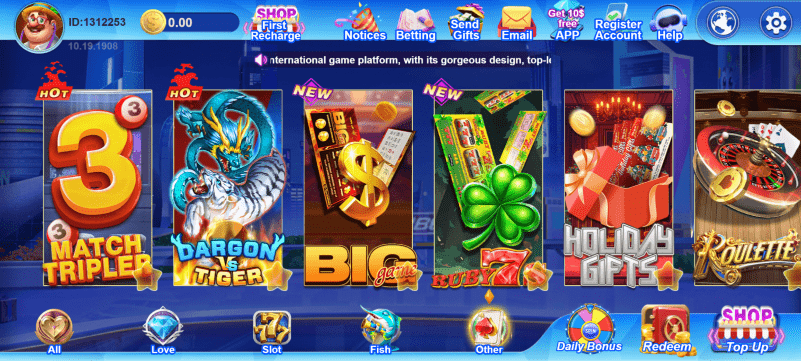
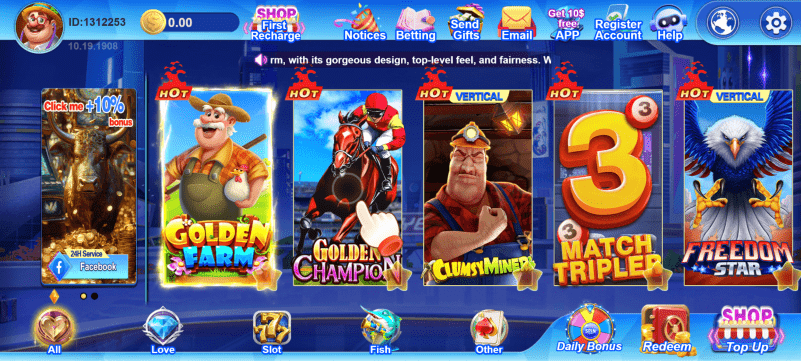
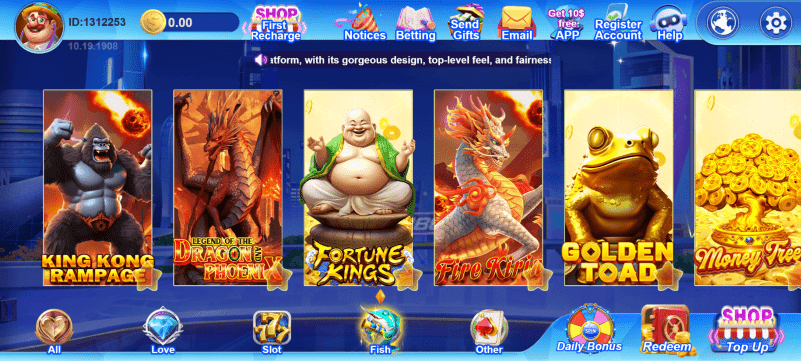
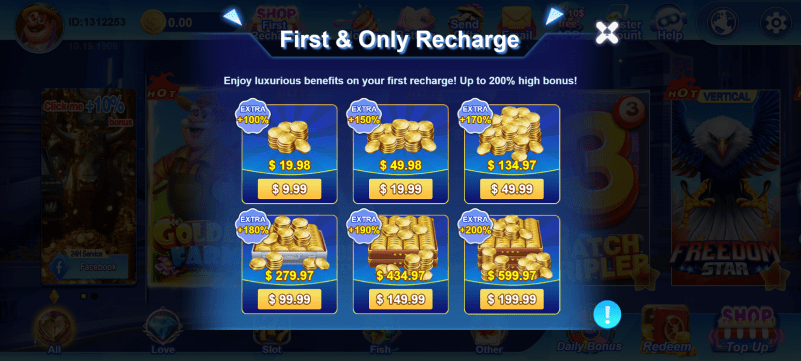
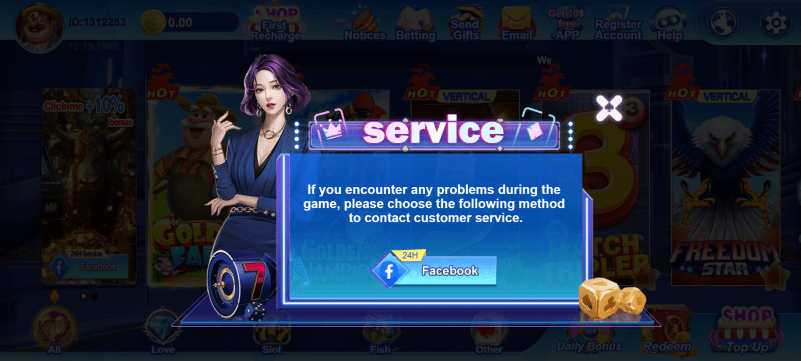
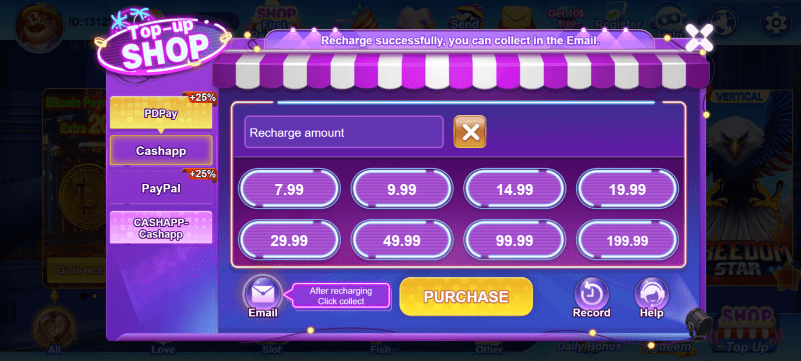
App Screenshots
See what Starlight City 2 looks like on iOS
How to Install on iOS
Tap Download for iOS
Tap the button above to open the Starlight City 2 App Store page.
Tap Get / Install
Confirm the install with your Apple ID, Face ID or Touch ID.
Open the App
Once installed, launch Starlight City 2 from your home screen.
Start Playing
Log in or register and claim your welcome rewards.
Device Compatibility
iPhone
iPhone 8 and newer running iOS 13+
iPad
iPad Air, iPad mini, iPad Pro running iPadOS 13+